 CollectContent
 See exactly where every piece of content stands.
Define your own colour-coded stages, assign each item to the right person, set due dates and watch progress on a stacked status bar and a shared calendar. Nothing stalls; nothing slips.
Your stages, your colours
Define the stages that match how your team actually works (Drafting, In Review, Approved, or whatever you call them) each with its own colour. Reorder them by dragging; they flow straight through to the status bar.
Progress at a glance, in one bar
Every project shows a stacked, multi-colour status bar showing the proportion of items in each stage, instantly. One look tells you whether you're on track for launch or need to chase a few stragglers.
Everyone knows what's theirs
Assign items to people directly or through a workflow stage, set a due date, and CollectContent surfaces anything overdue before it becomes a problem. Upcoming items sit front and centre on the project overview.
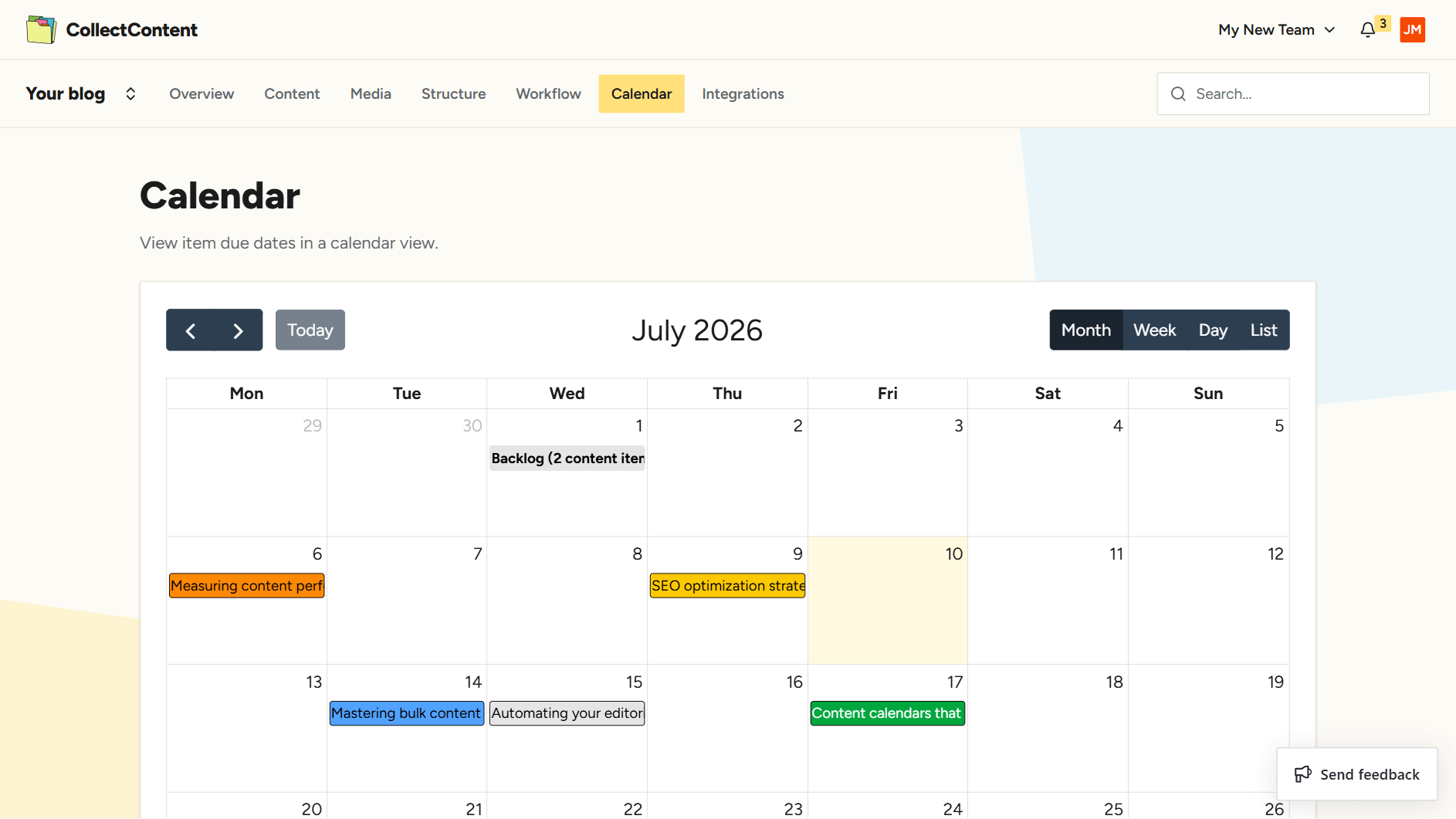
Every deadline on one calendar
See due dates and scheduled items across the whole team on a shared editorial calendar. Spot crunch weeks early, balance the load, and plan launches with everything in view.
plan the whole term ahead
Workflows & Deadlines questions
Can each project have a different workflow?
What counts as overdue?
Can I lock content once it's approved?
Does the calendar show the whole team?
Integrations & Export
Give your team a pipeline they can see
Set up your stages, assign your first items and never lose track of a deadline again.